admin
2026-10-23 | 0 comments
Share this:
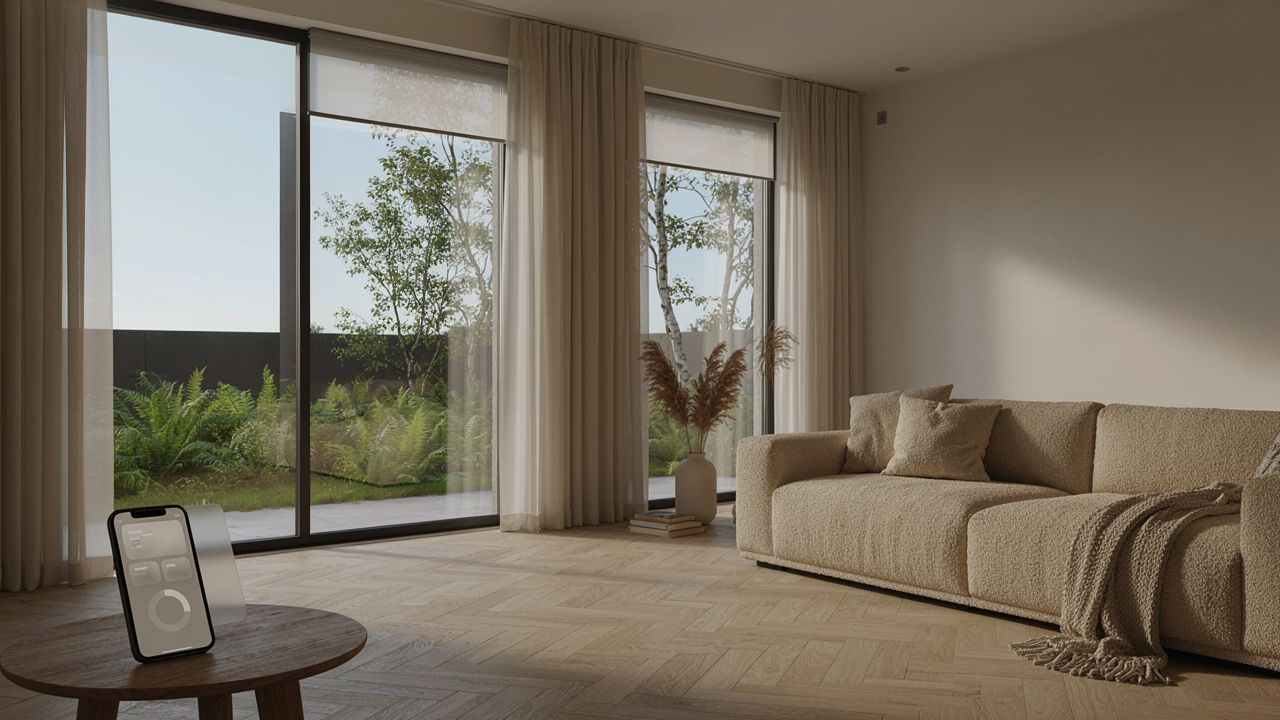
Turning off the lights, checking for leaks under the sink, or lowering the temperature before bed—with a smart home, these tasks can be handled automatically or with a single command. Devices can work in coordination: a sensor detects motion, the lights turn on, and the system sends a notification if it detects water.
However, a smart home is more than just a collection of gadgets. It is a system that should be tailored to your living space, your habits, and the needs of those who live there. Let’s look at how to choose the right automation scenarios, ensure device compatibility, address security, and implement technology gradually.
The value of automation doesn’t depend on the number of sensors or light bulbs, but on how seamlessly they work together. Start by addressing common daily inconveniences—such as lights left on in the hallway, temperature fluctuations, or the risk of water leaks.
Lights can turn on when you enter a room and switch off when it’s empty. Heating or air conditioning systems can be set to a schedule, provided the chosen devices support this feature.
The "I'm leaving" command can turn off lights and power outlets, as well as activate sensors—provided the equipment is compatible.Choose scenarios based on your family's habits. If automatic lights turning off are annoying, add a time delay or keep the manual light switch functional.
Open/close sensors will alert you if a door or window is opened, while motion sensors help detect activity in the home. Smoke and leak detectors can send alerts to your phone. In the event of a leak, the system can even shut off the water supply, provided a compatible valve is connected and configured.
A notification alone doesn't eliminate a threat. Make sure you know who receives the alert if your phone is offline, and ensure you know how to shut off the water manually.
One family member might prefer voice commands, while another might prefer a physical button. You can grant temporary access to guests, and provide children or elderly family members with intuitive control methods that don't require an app. This ensures the smart home is convenient for everyone, not just the person who set it up.
Always include manual overrides for essential functions. Lights should still be controllable via a wall switch, and doors should be openable with a key or their standard mechanism—even if the smart home hub or network is temporarily down.
A typical system consists of a controller (or hub), sensors, actuators (devices that perform actions), an app, and your home network. A sensor detects an event, the controller processes it, and an actuator carries out an action—such as turning on the lights.
Before making a purchase, verify the features and compatibility by consulting the manufacturer's documentation.Wired automation is easiest to implement during renovation or construction, as cables can be routed to switches, sensors, and equipment. However, this approach requires advance planning and can be more complex if the interior finishing is already complete. KNX is one of the standards for building automation, but it is not suitable for every smart home project, nor is it the only option available.
Wireless devices are more convenient to install in an existing home and can be added as needed. Their operation relies on wireless communication, battery life, and the specific conditions within your home. Your choice should depend on the status of your renovations, your budget, and how frequently you plan to expand the system.
Devices may use Wi-Fi, Bluetooth, Zigbee, Thread, or other technologies. Simply labeling a product as a "smart device" does not guarantee that it will connect to your hub or support the commands you require. Always confirm that the specific model, the app, and the features you wish to set up are compatible with one another.
Matter is designed to enable interoperability between compatible devices from different brands. The Connectivity Standards Alliance describes Matter as an IP-based connectivity standard for the smart home. Before making a purchase, check the current documentation to see which features and platforms are supported by the device you have chosen.
Note: The presence of Matter support does not guarantee that all features will be available across every system.
Some devices execute commands locally, while others rely on the manufacturer’s cloud service. Consequently, an automation that typically triggers instantly might stop working if the internet goes down. Check in advance whether your lights, locks, or sensors require a cloud connection or a constant internet link.
Also, consider how the system behaves during a power outage. While a backup power supply for your router or hub can help maintain connectivity, it cannot replace the need for manual controls or secure physical access to your home.
Planning before you buy helps you avoid unnecessary expenses and the need for costly retrofitting. Take into account your home’s layout, electrical wiring, network quality, and potential future changes—such as installing an air conditioner or relocating your workspace.
List exactly what you want to improve: controlling lighting, monitoring for leaks, managing heating, or receiving motion alerts. Categorize these tasks into "must-haves" and "nice-to-haves." This will make it easier to set a budget and decide where to begin.
Don’t buy devices simply because they support automation. If a problem rarely occurs, or if it can be more easily addressed with a standard manual switch, there is no need to include it in your smart home project.
Mark the locations of switches, outlets, sensors, network access points, and your smart home hub on a floor plan of your home. When positioning motion sensors, be mindful of doors, furniture, and heat sources—these can obstruct the sensor's field of view or trigger false alarms.
For leak sensors, choose locations near pipes and household appliances.Check whether there is sufficient Wi-Fi coverage in the rooms where the devices will be placed. If you are building or renovating a home, plan ahead for power supply and space for network equipment.
Even if you are starting with just a couple of sensors, consider in advance where you might add cables, power outlets, or access points. Think about where to place the controller and how to ensure it remains accessible for maintenance. This will allow you to expand the system later without needing further renovations.
You don’t have to buy everything at once. It is better to lay a foundation that won’t limit your choice of equipment a year from now—or if your family’s needs change.
Smart devices can collect data about events in your home and transmit it over the network. Therefore, security involves more than just the app; it also extends to your router, user accounts, privacy settings, and physical access to the devices themselves. Basic recommendations for securing IoT devices are provided by CISA in their resource on connected devices, while NISTIR 8259A outlines the core cybersecurity capabilities for Internet of Things devices.
Set unique passwords for your accounts and devices, change default factory credentials, and enable multi-factor authentication whenever available. Keep your system and applications updated. If your router allows for the creation of a separate network for IoT devices, connect them to that network rather than the primary one used for your computers and phones.
Check who has access to the application and what permissions have been granted to other users. If you sell a device or move to a new residence, remove old accounts and reset the device to its original settings according to the manufacturer's instructions.
Before configuring a device, review the application's permissions and its data retention policy. Check whether recordings or events are transmitted to the manufacturer, and find out if certain features can be disabled. For cameras and microphones, ensure there is a physical privacy shutter, a power-cut-off switch, or another clear, reliable way to turn them off.
Keep instructions, access credentials, and device reset procedures in a secure place. Know what steps to take if a hub, router, or cloud service fails. For lighting, locks, and essential household functions, ensure that a familiar manual control method remains available.
Start with a small-scale system to see how it fits into your daily life. Testing a single automation scenario in one room will reveal whether the connectivity is sufficient, the settings are intuitive, and the devices respond reliably. Once you’ve verified this, you can begin adding further tasks.
For the first phase, consider setting up hallway lighting control or a leak sensor under the sink. Configure a basic automation scenario and observe whether it triggers unnecessarily. If the system causes any inconvenience, address these issues before expanding to other rooms.
Check how sensors respond, verify schedules, and test notifications. Observe how the system behaves when the internet is disconnected, and ensure that switches or valves can still be operated manually. Change only a few settings at a time—this makes it much easier to identify the cause if something goes wrong.
Keep an eye on software updates and sensor battery levels. Periodically review your list of users, remove devices you no longer use, and check app permissions. If a particular automation scenario becomes a nuisance, modify it or disable it.
A smart home evolves alongside your family’s needs. A successful project begins with identifying specific household tasks, not with purchasing hardware. First, establish your priorities, then determine the system architecture and verify device compatibility. Plan ahead for network connectivity, power supply, data security, and manual override options.
Following these key principles will help keep your system intuitive and reliable:
Start by addressing a single, specific issue that causes a noticeable inconvenience in your daily life. Test your solution in real-world conditions, and then add new features only when they are genuinely needed.
Previous article
Home ventilation: how to ensure fresh air and avoid dampness
Next article
Stylish solutions for small apartments: design ideas that save space
Want to stay up-to-date on all the latest news in construction, design, renovation, and energy efficiency? Subscribe to the Kedr News Telegram channel.
 subscribe